01
Click and campaign
Available UTM parameters, click identifiers and advertising cookies are captured with the event.
Shopify Web Pixel · Multi-touch attribution
Follow the journey, connect the order to its source, and compare revenue with ad spend and actual costs.
Collection starts when the Pixel is activated. Scaliente does not invent earlier history.
Included at no extra cost in every plan, including €0 Discovery.
Shopify Web Pixel
Extension installed from Scaliente
Full journey
From page view to order
6 models
Deterministic attribution rules
5 ad platforms
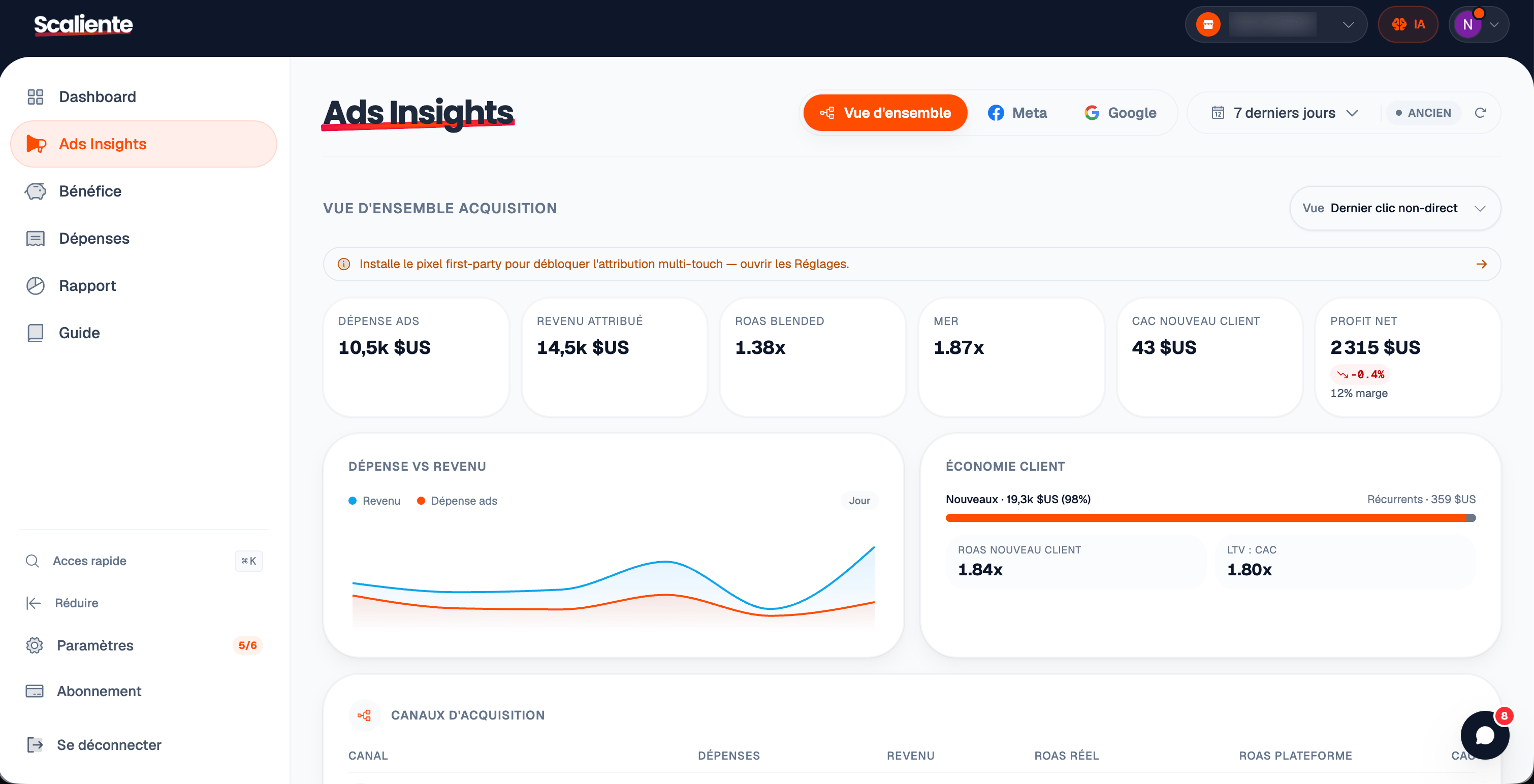
Combined in the acquisition view
A chain of evidence
Scaliente retains useful journey signals, connects them to the Shopify order, then puts them in the economic context of the store.
Available UTM parameters, click identifiers and advertising cookies are captured with the event.
The Web Pixel follows standard storefront, cart and checkout events.
The Shopify client identifier connects touchpoints to the completed order.
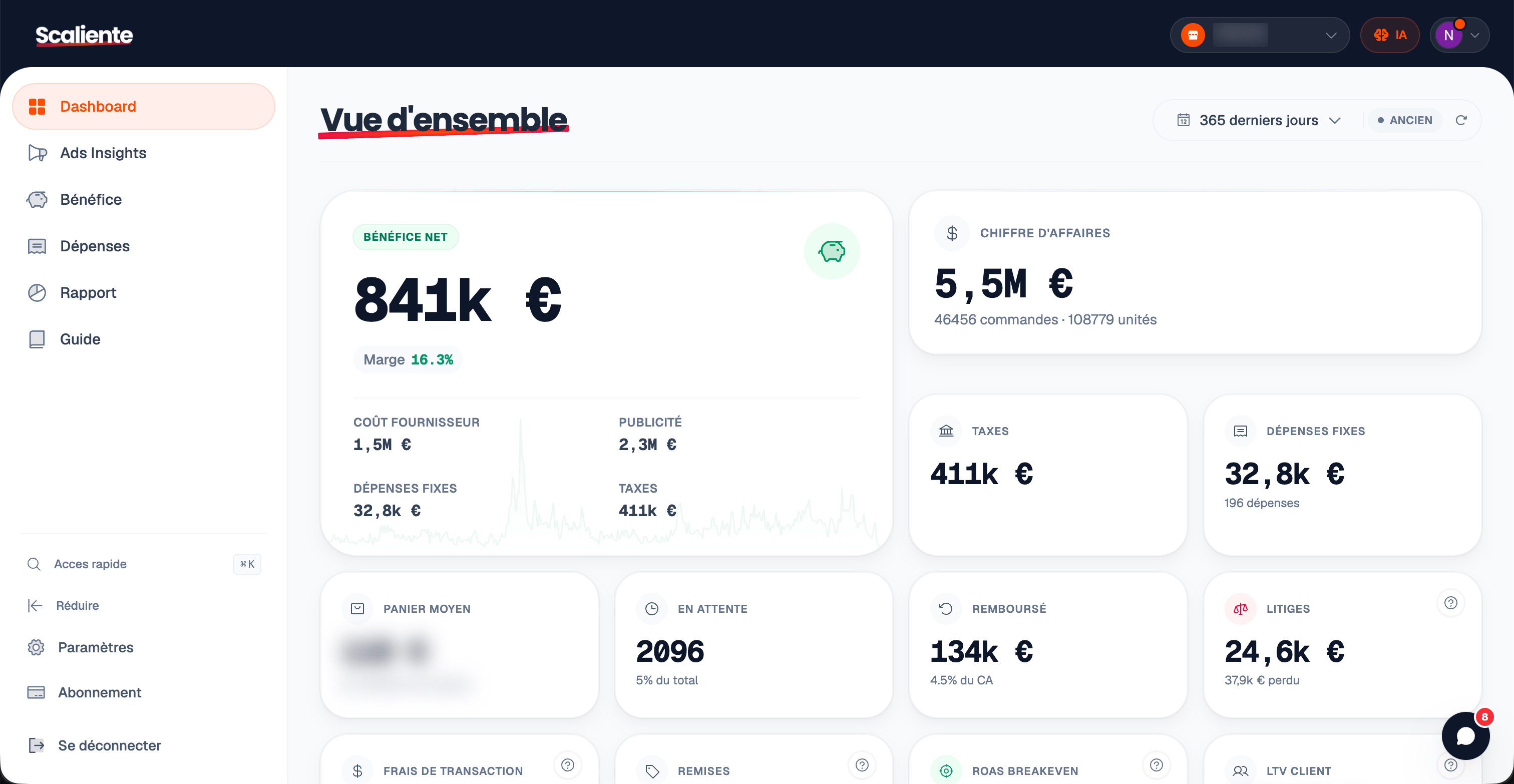
Attributed revenue is read alongside ad spend, product costs, fees, shipping and taxes.
Observed funnel
Standard events are collected in a consistent structure that can reconstruct the path preceding a purchase.
Page viewed
Product viewed
Product added to cart
Product removed from cart
Collection viewed
Search submitted
Cart viewed
Checkout started
Payment information submitted
Order completed
The Pixel runs as a Shopify extension in a sandboxed environment. Server-side forwarding settings include a consent gate; the merchant remains responsible for its legal configuration.
Explainable attribution
Models are deterministic rules applied to the collected journey. Compare their readings without replacing the Pixel.
The last touchpoint receives the conversion credit.
The last known channel receives credit when the final visit is direct.
The first observed touchpoint receives the credit.
Credit is split equally across all touchpoints.
Interactions closer to the order receive more credit.
The first and last touchpoints receive more weight than the middle steps.
Scaliente considers the channel reading actionable from 60% attributed revenue. Below that threshold, the interface flags partial coverage and keeps the interpretation cautious.
The Scaliente difference
A purchase event says that a sale happened. Scaliente connects it to the data needed to understand whether that sale actually created margin.
Connected data
Resulting view
Setup
Allow Scaliente to read customer events and create the Web Pixel.
Scaliente creates or updates the extension idempotently from settings.
Event volume, order coverage and configured forwarding remain visible.
Direct answers
It is an extension that listens to Shopify journey events, retains available campaign signals and connects them to orders so sales sources can be analysed.
No. It complements advertising integrations: Scaliente builds its own journey view and consolidates performance from the five supported platforms.
It runs as a Shopify Web Pixel extension in a sandboxed environment. Sending to the Scaliente collector is asynchronous and designed not to block the storefront.
Collection begins after installation and does not recreate the past. Scaliente displays coverage and considers the channel view actionable from 60% attributed revenue.
Last click, last non-direct click, first click, linear, time decay and position-based attribution.
Meta, Google, TikTok, Pinterest and Snapchat are consolidated in Ads Insights. Available server-side forwarding is configured by platform.
From signal to decision
Connect Shopify, activate the Pixel and let the history build in Scaliente.
The Pixel is included in every plan, including €0 Discovery. Collection starts after activation.