"Honestly, I was paying almost $300/month for a bloated platform where I used 10% of the features. Scaliente cuts to the chase. No vanity metrics, just my Net Profit in real-time. I saved $3k/year just by switching."
B
Bennett R.
7 figures/year
Shopify, Meta, Google, TikTok, Pinterest and Snapchat, togetherShopify profit tracker
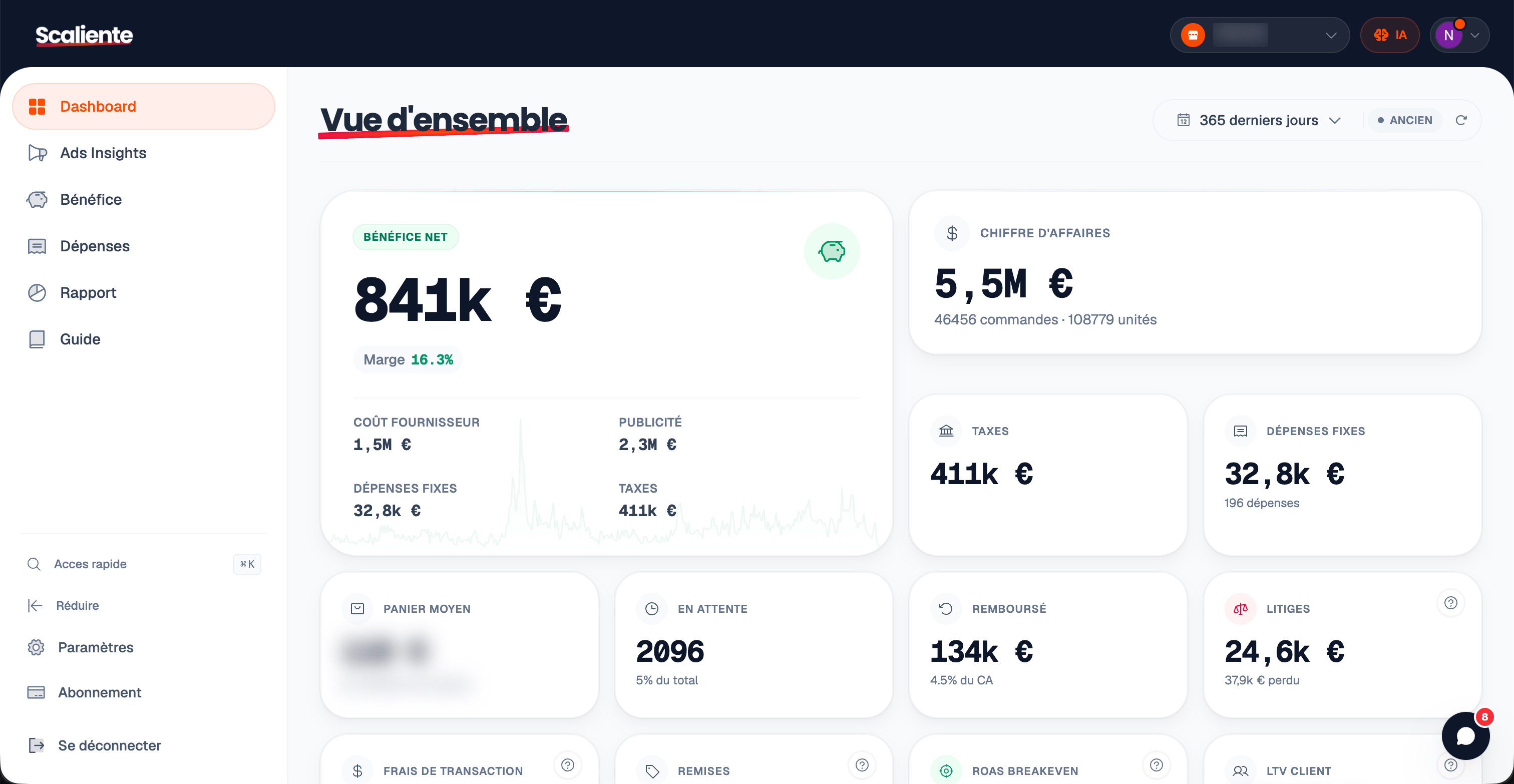
Scaliente brings profit, ad attribution and AI customer service into one workspace connected to your Shopify data.
Shopify, Meta, Google, TikTok, Pinterest and Snapchat, together
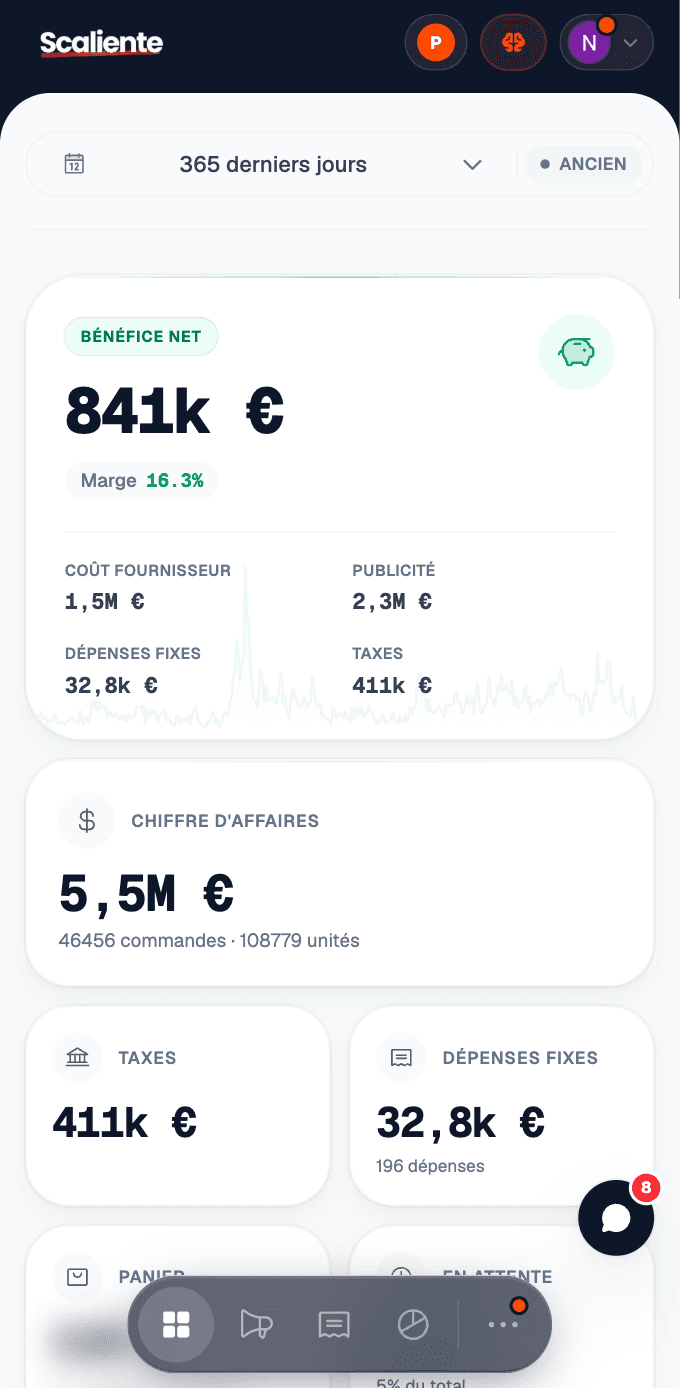
The truth about profit
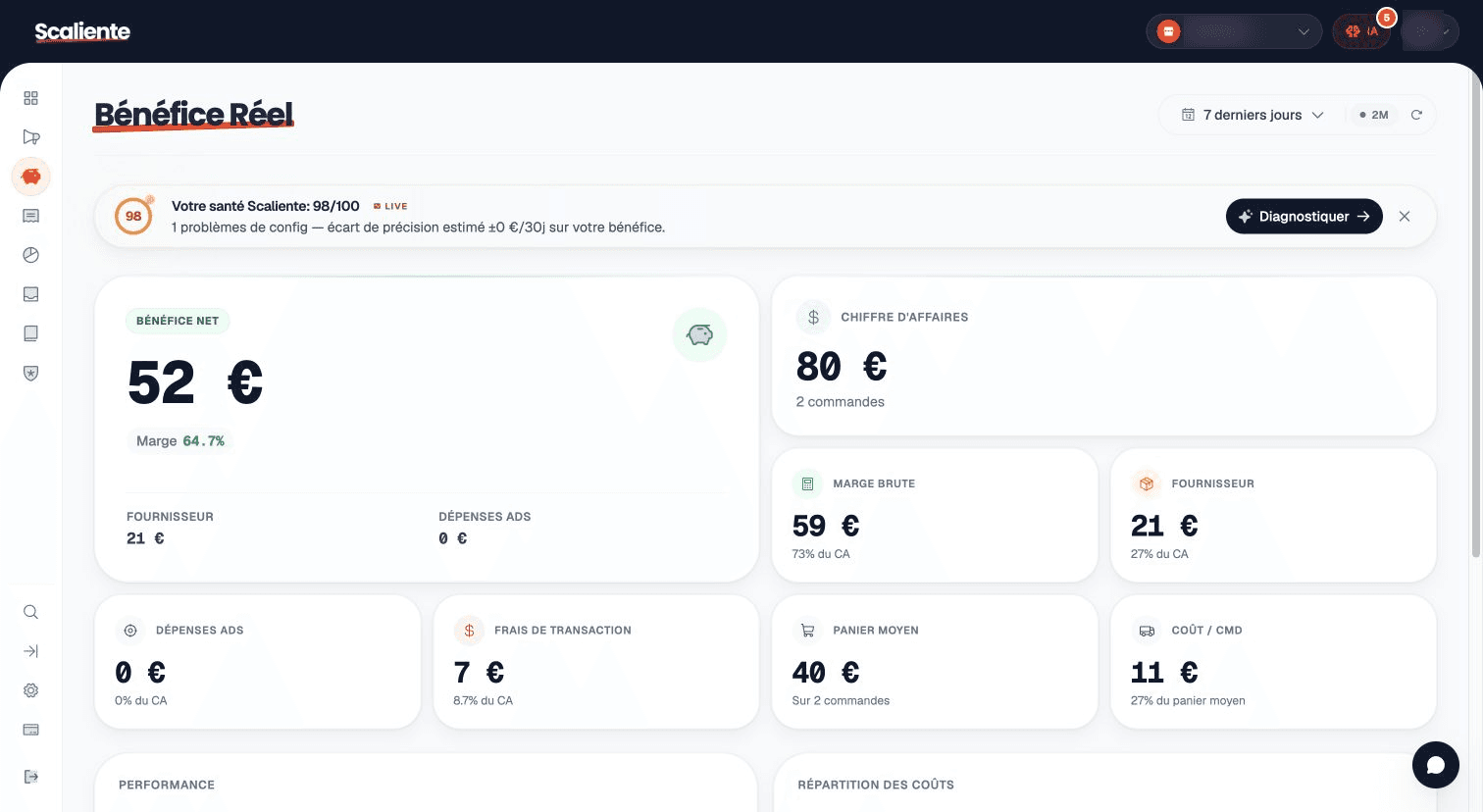
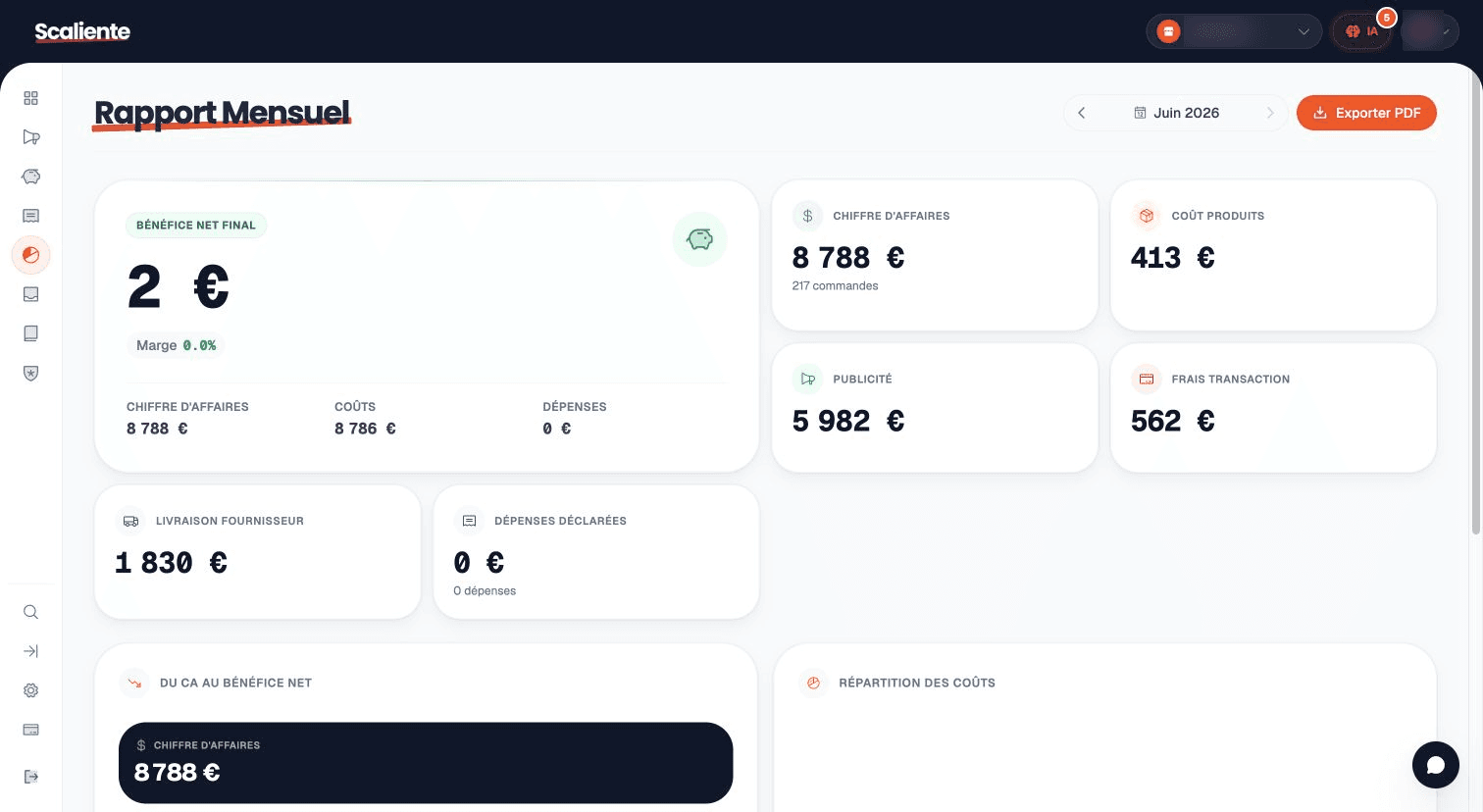
Revenue does not tell you what remains. Scaliente reconciles the line items that actually move your margin in one view.
The margin waterfall
Revenue
Ad spend
Product costs (COGS)
Shipping
Payment fees and taxes
Declared expenses
Calculated result
Your net profit
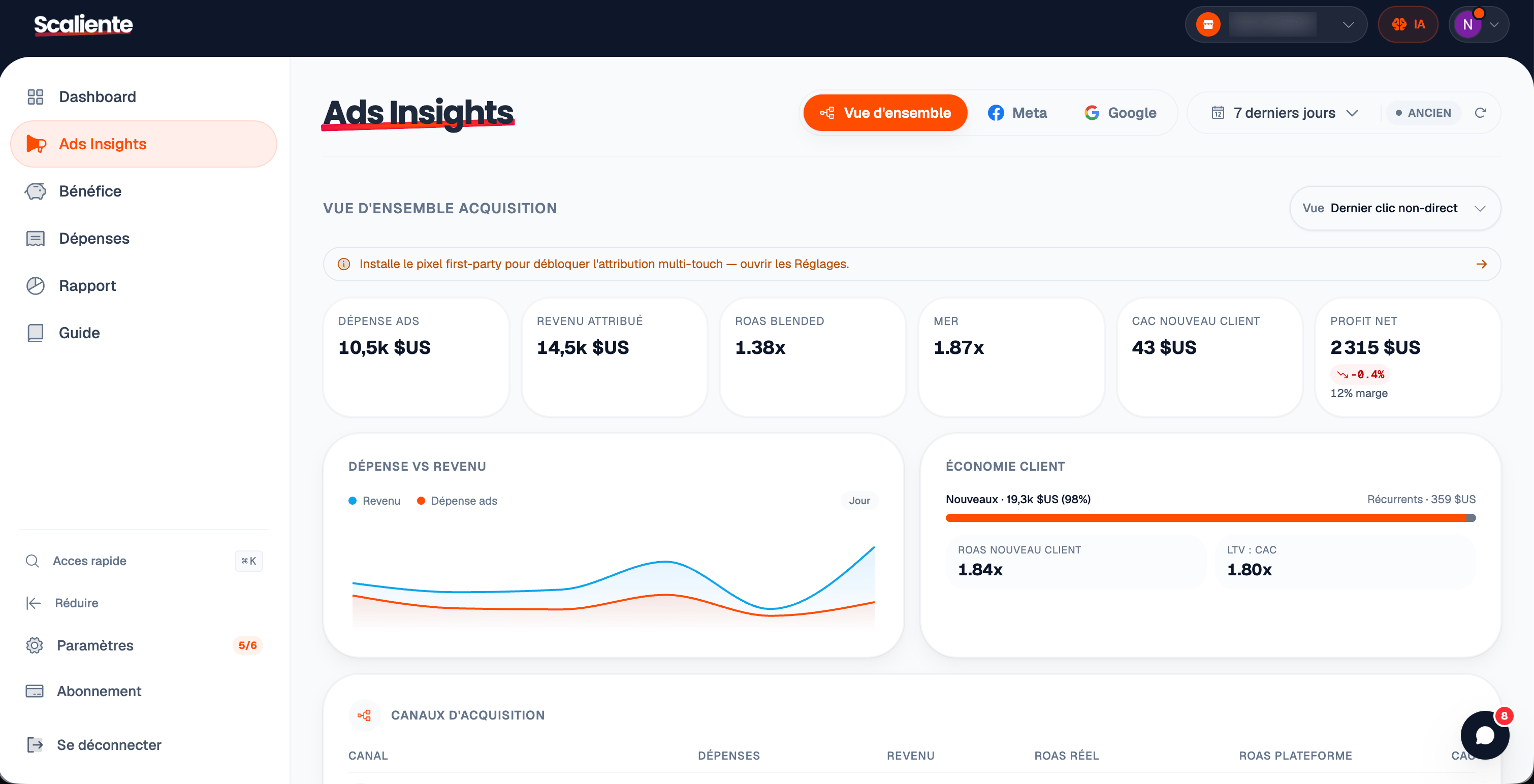
First-party attribution
The Shopify pixel collects journey events and their marketing identifiers. Scaliente reconciles them with the order without hiding direct or unattributed sales.
Readable attribution, not a black box.
The channel, campaign and journey remain inspectable. When the signal is missing, the uncertainty stays visible.
Attributions below the reliability threshold are not presented as certain.
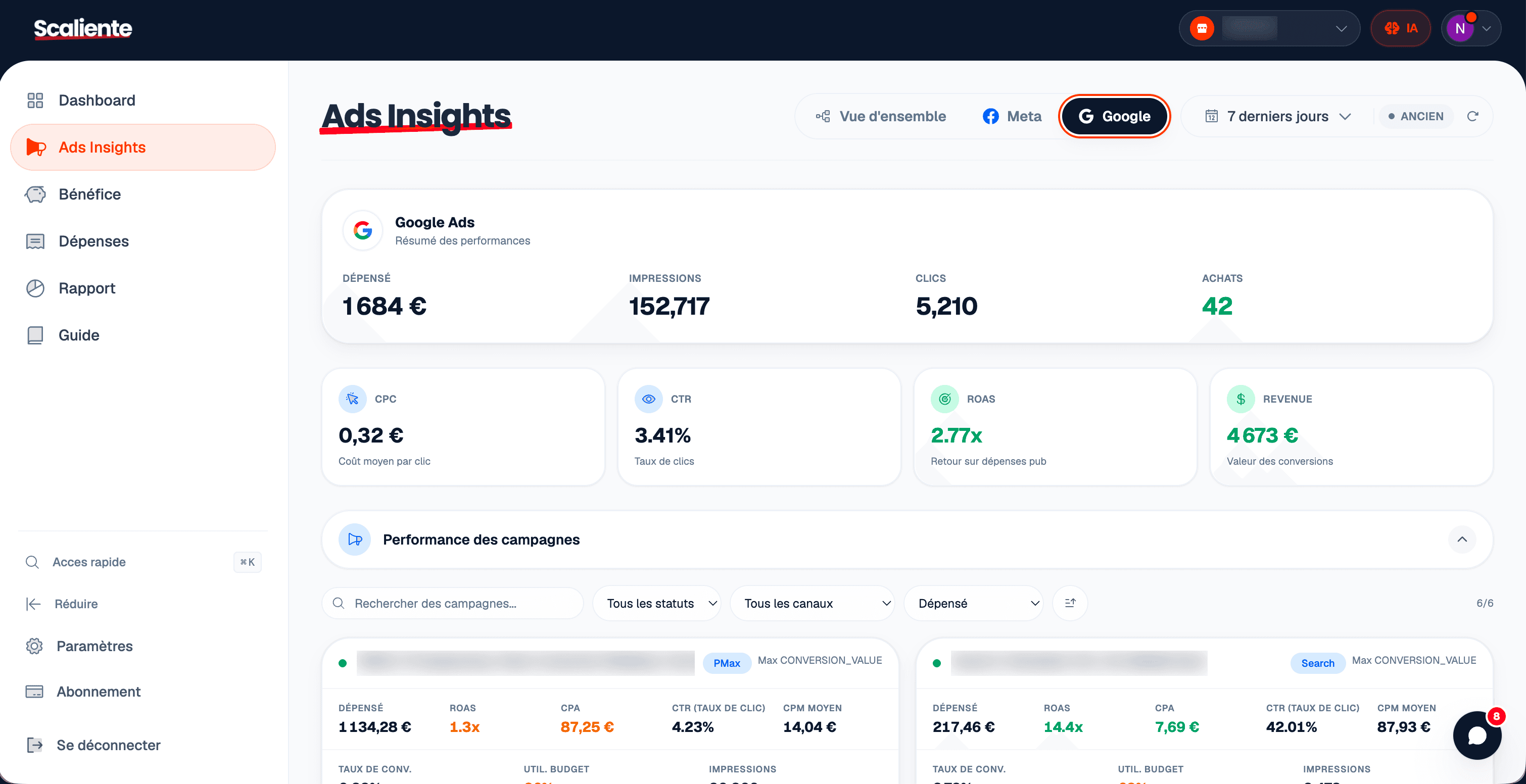
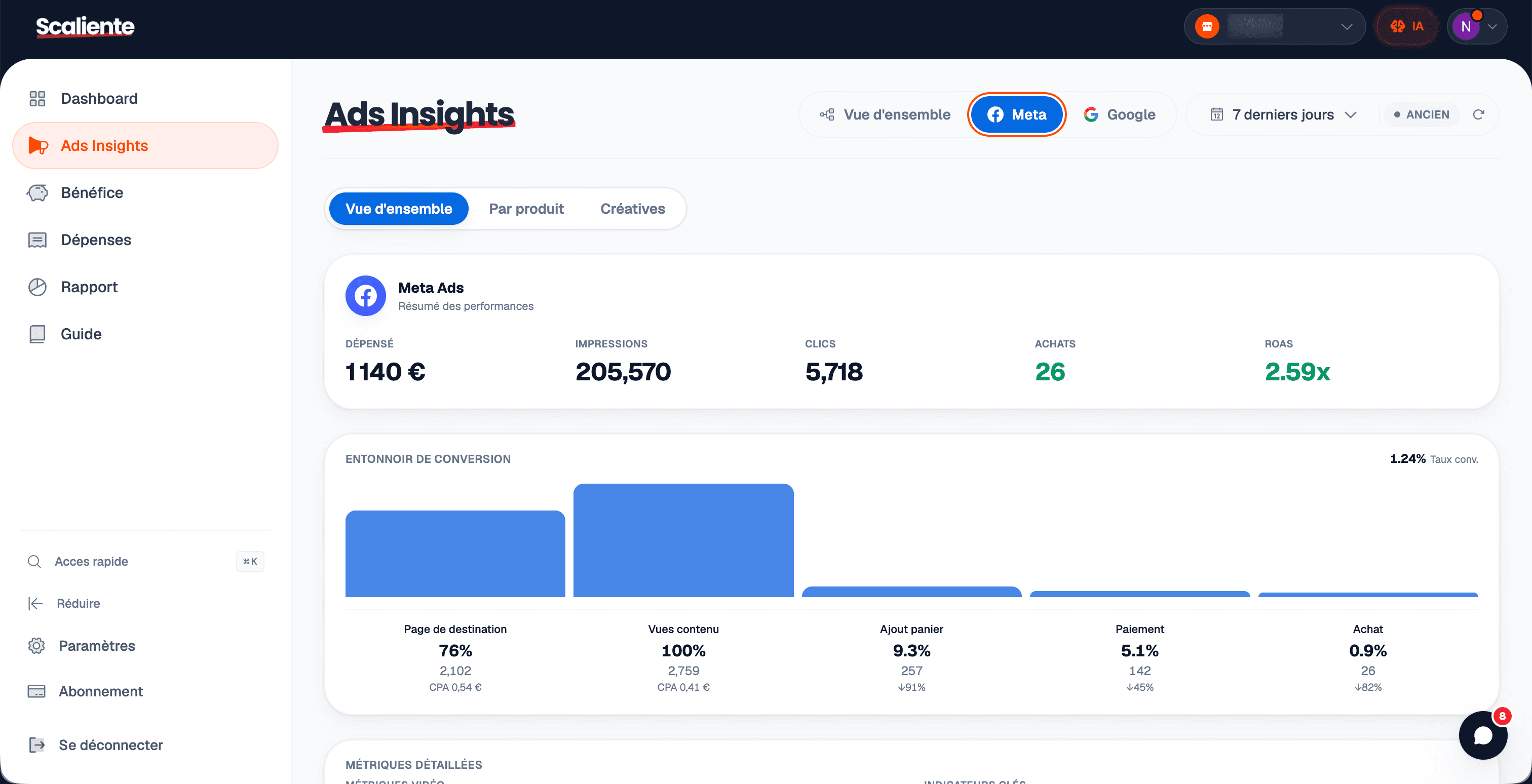
From measurement to action
A dashboard earns its place by making the next decision clearer, not by stacking more metrics.
Compare attributed revenue, spend, ROAS, breakeven and profit without switching tools.
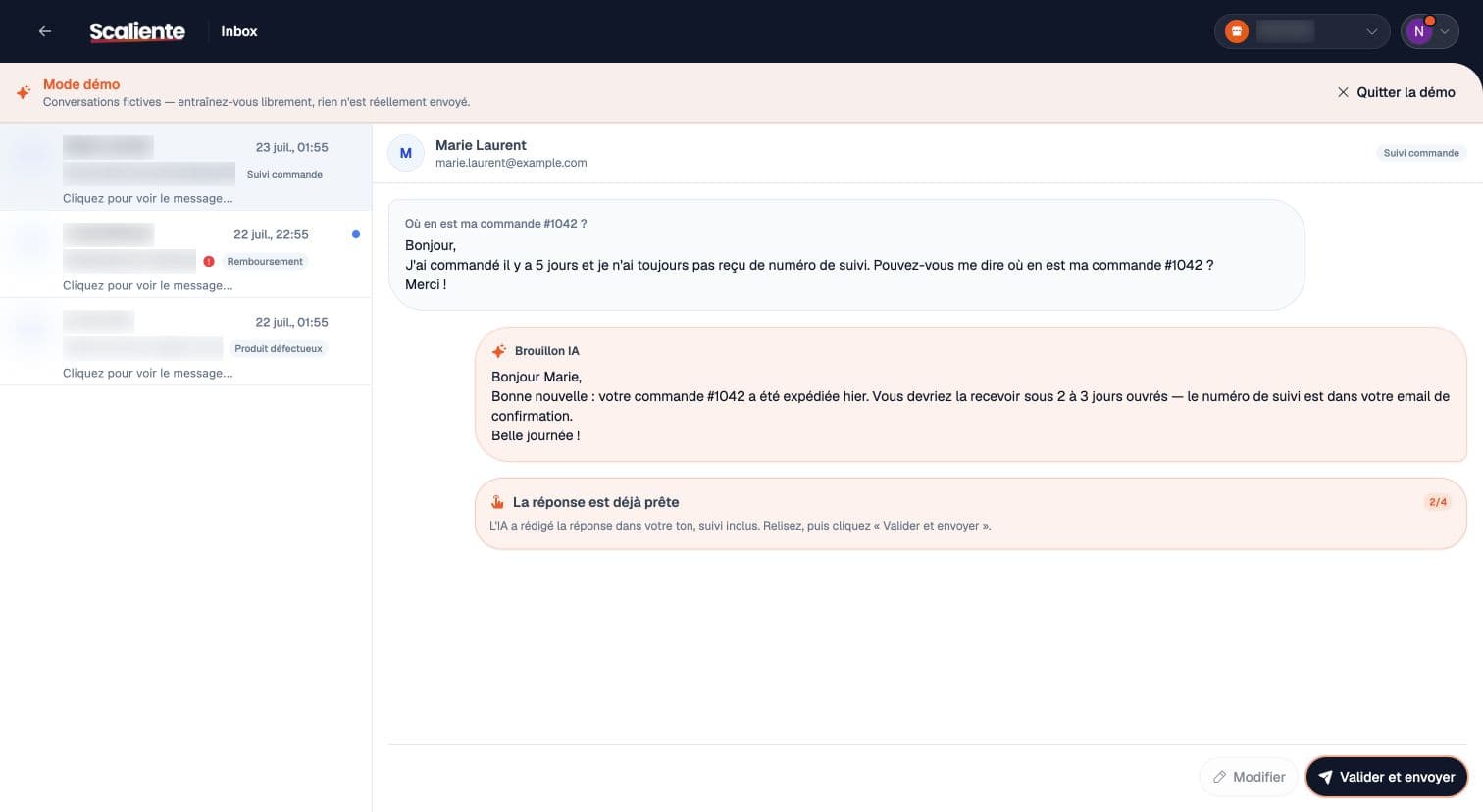
AI customer service for Shopify
AI Inbox brings together the order, customer, delivery, disputes and conversation history before proposing a reply.
Customer message
“Hi, where is my order?”
Context assembled
Suggested draft
Human controlThe reply is prepared from available data. Your team can review it, edit it and decide whether to send it.
Shopify store owners like you who stopped flying blind.
"We started with Excel spreadsheets to track profit across our agency’s Shopify stores. We looked at every tool on the market — nothing matched what we needed. So we built our own. First as a private tool for our agency, then shared with a handful of clients, and today Scaliente is available to everyone on the Shopify App Store."
"Honestly, I was paying almost $300/month for a bloated platform where I used 10% of the features. Scaliente cuts to the chase. No vanity metrics, just my Net Profit in real-time. I saved $3k/year just by switching."
"I was skeptical because I already had dashboards everywhere. But the POAS calculation changes everything. We cut a Meta campaign that showed ROAS 3 but was losing money due to shipping. And support really answers in under 10min."
"Everyone shows green Shopify screens on Twitter, but no one dares to show what's left after Ads. Scaliente opened my eyes: I was spinning my wheels. I cut my revenue by 20% but doubled my net profit. It's the only metric that matters."
Connect your sources, configure costs, then check data quality before making a decision.
Authorize the app and let orders, products and revenue flow into your workspace.
01
Connect the platforms you need through their OAuth flows.
02
Choose the relevant calculation mode and enter COGS, shipping and fees.
03
Add recurring expenses, investigate gaps and use reports to make decisions.
04
Five public plans, from a first store to a multi-store portfolio.
Fits your volume
For growing stores
Selected plan
Start with what you actually need
The recommendation depends only on the selected order volume. Start with Discovery, then change plans from the app.
Precise answers about calculations, attribution and setup.
Scaliente starts with revenue and reconciles ad spend, product costs, shipping, payment fees, taxes and expenses you declare. Each line item remains visible so you can verify the calculation.
Orders arrive through Shopify webhooks. Ad spend is synchronized once or twice daily and can also be refreshed manually.
Each platform applies its own windows and models. Scaliente reconciles first-party signals with the order and keeps direct, unattributed or low-signal sales visible.
Tracking uses Shopify's official Web Pixel extension, running in Shopify's isolated environment. It does not inject a modification into your theme.
Yes. Discovery includes up to 50 orders per month, one store and one ad platform, with no credit card.
Meta, Google Ads, TikTok Ads, Pinterest Ads and Snapchat Ads are available in Scaliente's platform registry.
AI Inbox is a separate add-on priced at €39 per month for each activated store. It requires a paid Scaliente plan and includes 200 AI drafts per store each month.
Start with your own data
Connect Shopify, configure costs and review profit in an interface built for decisions.